Customize Theme
Customize your application's colors, styles, and visual appearance
VibeAny uses semantic CSS tokens with Shadcn UI and supports light/dark mode switching. src/config/style/theme.css defines the default and admin appearance. Visitor themes add colour presets from palettes.css and typography, spacing, corner, tab, overlay and motion roles from brand-profiles.css.
Edit a visitor profile in src/config/style/brand-profiles.css to change its style. Both [data-theme='name'] and [data-theme='name'].dark selectors share the same geometry, while their colour presets remain mode aware. Keep --spacing at 0.25rem; use semantic values such as --section-space, --card-padding, --control-height and --field-gap to set density.
The type-display, type-heading, type-body, type-label, type-numeric and type-note utilities use their nearest theme's font roles. Notebook uses handwriting for headings and notes, with sans text for forms and body copy. Latin web fonts load on demand from the pinned Fontsource CDN releases in fonts.css; CJK headings use the device's serif stack, with readable system sans fallbacks for body text. No CJK web font is downloaded.
Use rounded-input, rounded-card, rounded-overlay, rounded-icon and rounded-tab for component roles. The shadow-control, shadow-surface, shadow-overlay and standard shadow utilities read runtime tokens and preserve focus rings. Define a new token's default on both :root and .palette-preview so a nested preview can restore the default appearance.
Decorative --brand-spark-violet and --brand-spark-ember values are independent of job-status --generative, credit --credit and error colours. Keep those business roles readable when editing a palette. Motion roles honor prefers-reduced-motion.
Finite composition recipes live in landing-brands.css. Components read the server-selected theme through BrandProvider and choose their composition with their own data-brand. When nesting page components in a preview, set both the .palette-preview data-theme and a BrandProvider to isolate tokens and structure. Portals inherit the document theme; admin previews remain inert so their overlays cannot escape the preview boundary.
| Theme | Recognition rules |
|---|---|
| Astro Vista | Asymmetric hero, orbital graphics, unequal feature grid |
| Claude | Serif headings, editor and quotations, reading-oriented feature rows |
| Light Green | Organic shapes, staggered modules, generous rounded controls |
| Mono | Monospaced records, numbered rules, compact operations |
| Neobrutualism | Poster scale, heavy outlines, hard shadows and pressed offsets |
| Notebook | Paper margins, annotations, chapter numbers and page tabs |
| Supabase | Service connections, code labels, layered control panels |
| Vercel | Large geometric headings, precise grids, monochrome contrast |
| Bubbles, avatars, message groups and comfortable touch targets | |
| Zen | Narrow reading, generous whitespace, quiet borders and static feedback |
Desktop density uses each profile's control and row heights. Phones and touch devices use primary controls at least 44px tall. Themes that disable testimonial scrolling, and devices requesting reduced motion, show complete testimonials in a static grid.
To change the default/admin colours, edit the corresponding tokens in theme.css:
:root {
  --background: oklch(1 0 0);
  --foreground: oklch(0.141 0.005 285.823);
  --card: oklch(1 0 0);
  --card-foreground: oklch(0.141 0.005 285.823);
  --popover: oklch(1 0 0);
  --popover-foreground: oklch(0.141 0.005 285.823);
  ...
}

.dark {
  --background: oklch(0.141 0.005 285.823);
  --foreground: oklch(0.985 0 0);
  --card: oklch(0.141 0.005 285.823);
  --card-foreground: oklch(0.985 0 0);
  --popover: oklch(0.141 0.005 285.823);
  --popover-foreground: oklch(0.985 0 0);
  ...
}
Here are some tools to help you quickly build your own theme.
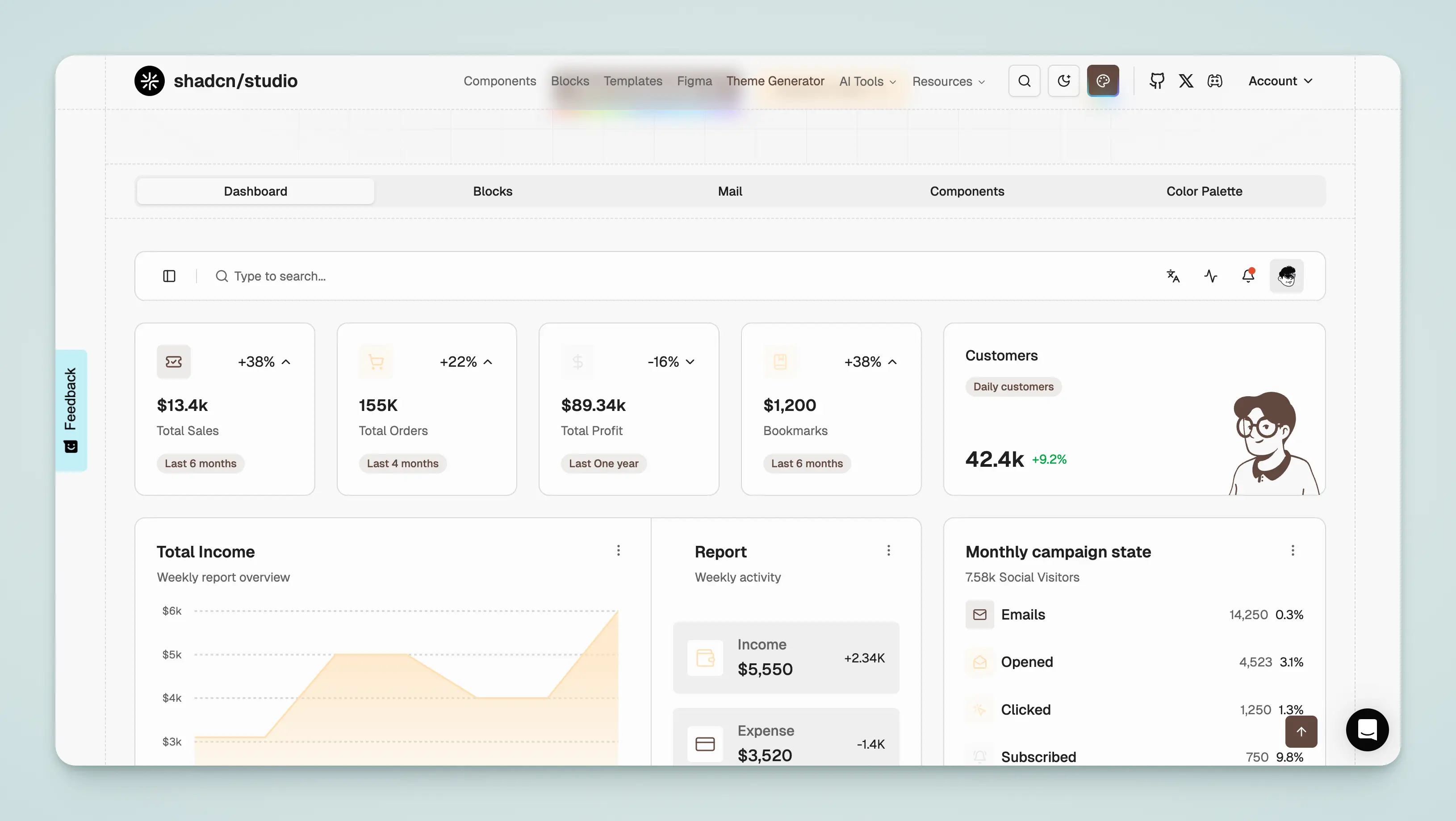
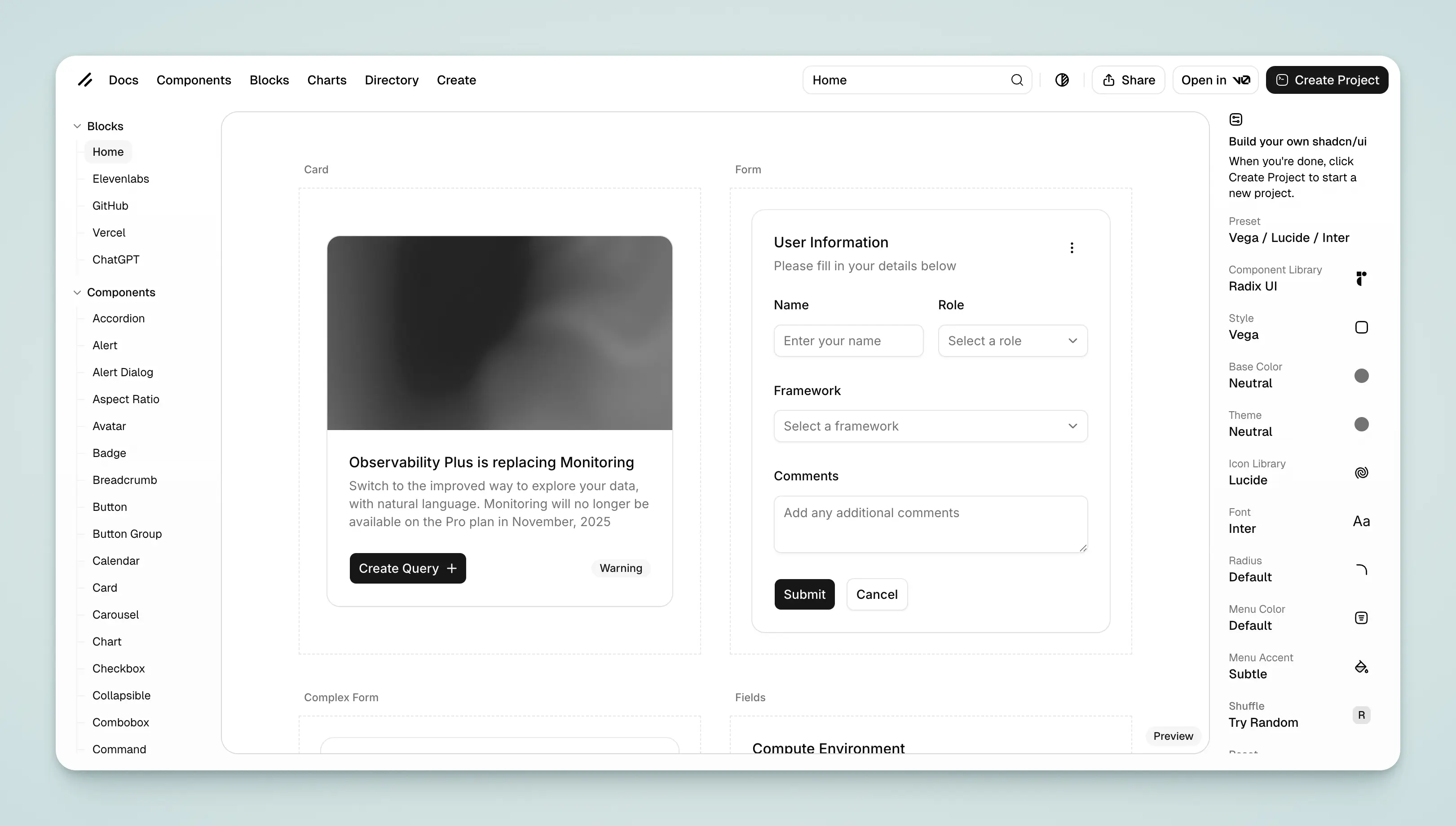
Shadcn
- Use the official Shadcn Create tool
- Use the Shadcn Themes tool to quickly generate theme colors and copy them to
src/config/style/theme.css.
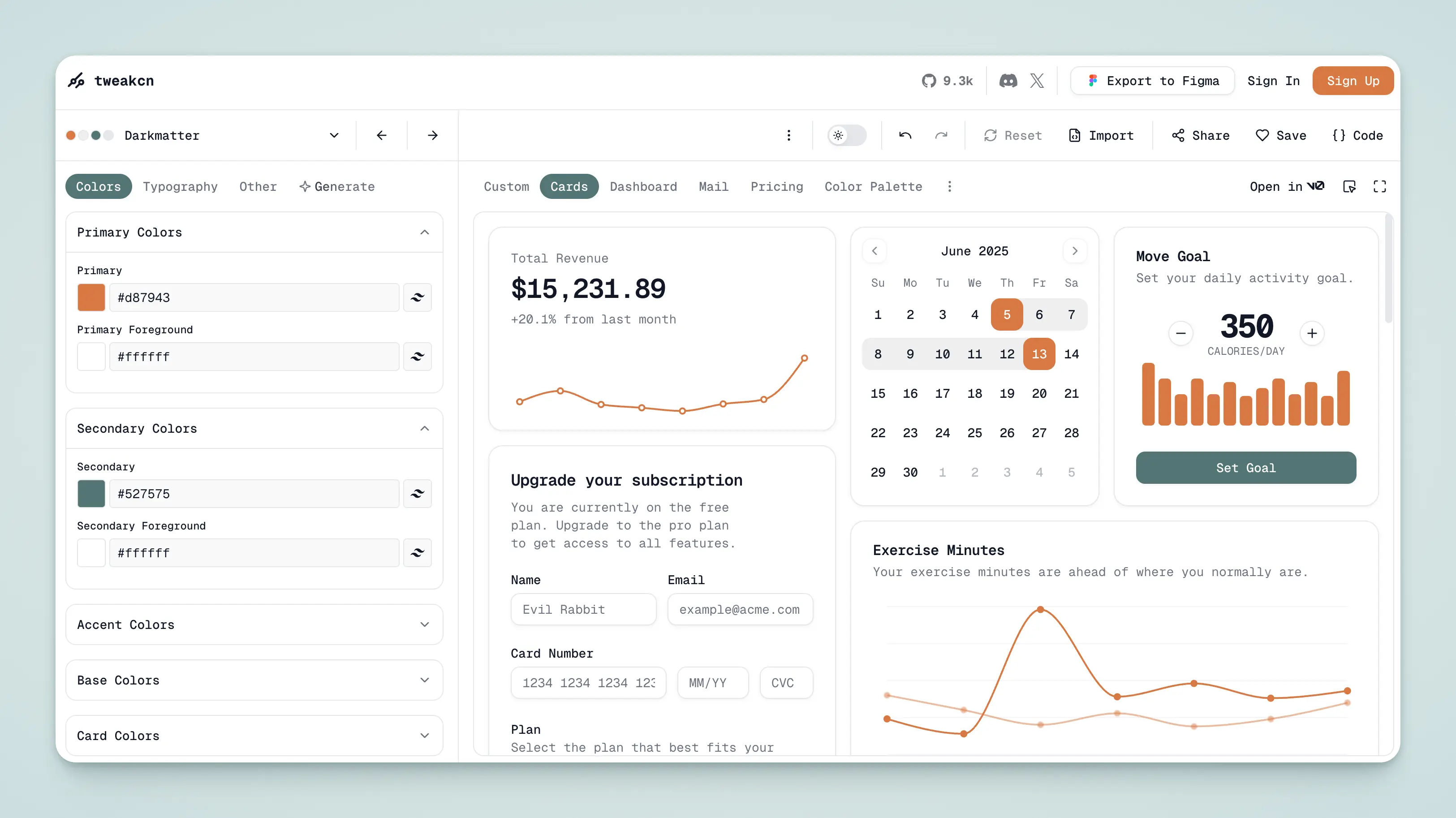
Tweakcn
- Use the Tweakcn tool to quickly generate theme colors and copy them to
src/config/style/theme.css.
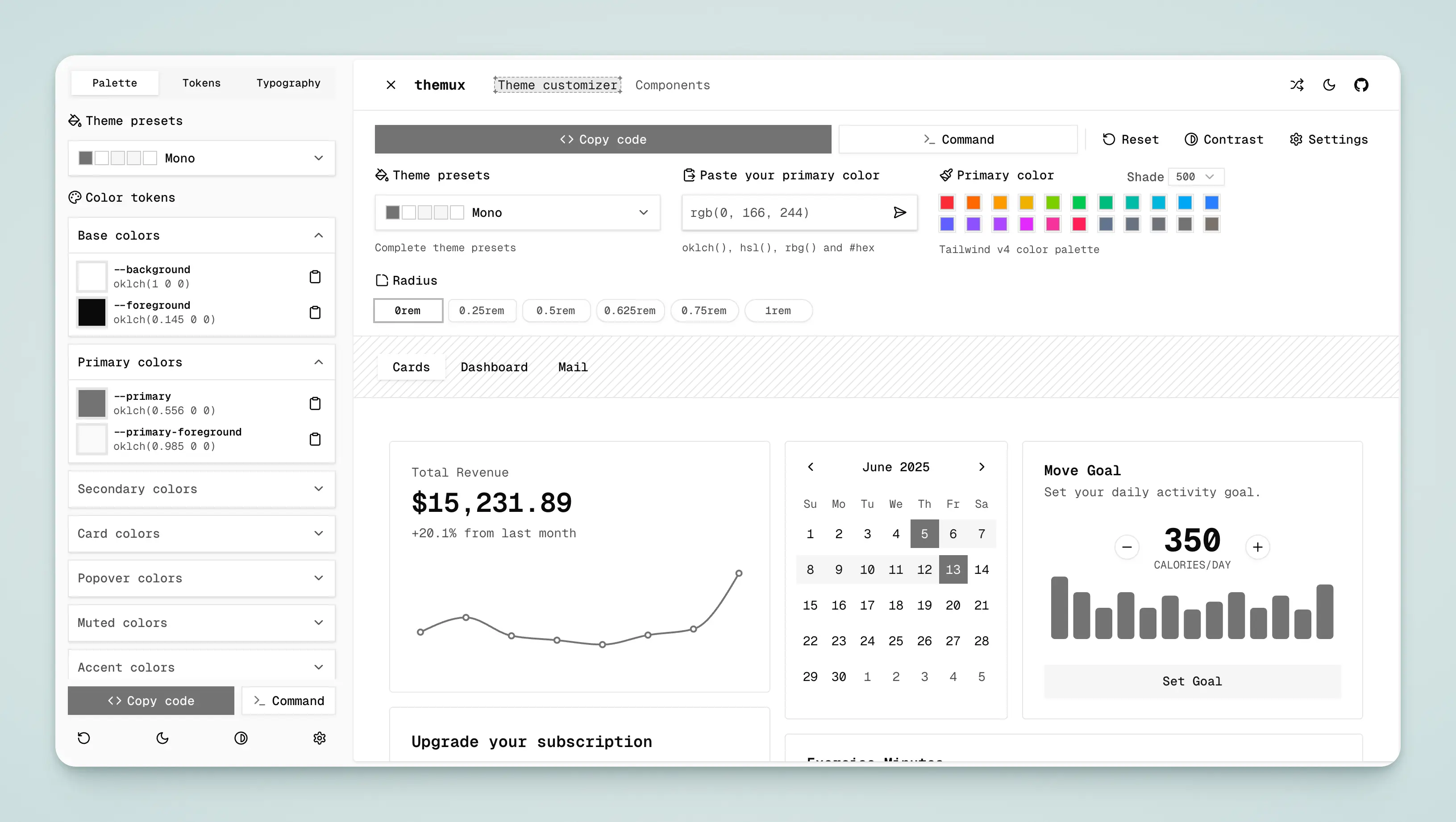
Themux
- Use the Themux tool to quickly generate theme colors and copy them to
src/config/style/theme.css.
UI Pub
- Use the UI Pub tool to quickly generate theme colors and copy them to
src/config/style/theme.css.
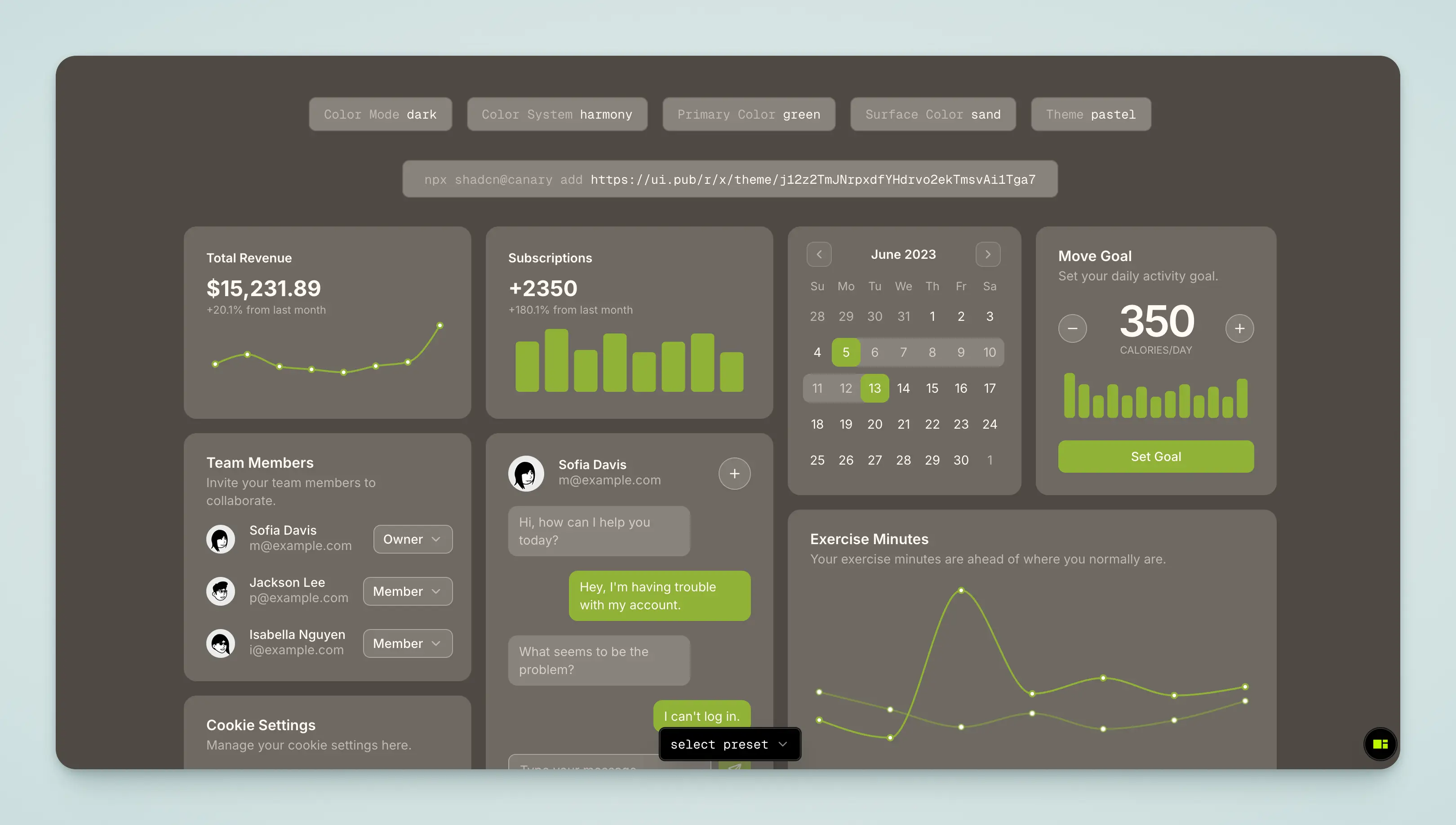
Shadcn Studio
- Use the Shadcn Studio tool to quickly generate theme colors and copy them to
src/config/style/theme.css.